Table of Contents
Why 72°F Feels Different Than 74°F (And Why You Can't Tell)
Here's something counterintuitive that took me years to fully appreciate: human comfort doesn't scale linearly with temperature. The difference between 70°F and 72°F feels more significant than the difference between 76°F and 78°F.
Why? Because your body adapts to gradual changes. When you set your thermostat to 74°F and leave it there, your home's baseline becomes normal. You stop noticing it's "cool." But drop from 74°F to 70°F suddenly, and your body registers the change acutely—despite it being the same 4-degree spread.
Research from ASHRAE (American Society of Heating, Refrigerating and Air-Conditioning Engineers) shows that most people achieve similar comfort ratings between 68°F and 76°F when humidity is controlled. The humidity factor is crucial: 74°F at 30% humidity feels more comfortable than 74°F at 70% humidity.
Quick Insight: Your AC does double duty: cooling AND dehumidifying. In humid climates, keeping the thermostat at 72°F and running longer removes more humidity, making you feel cooler at a higher temperature. In dry climates like Arizona, you can set it higher because the dry air feels comfortable at 78°F.
The Humidity Variable Nobody Talks About
I measure relative humidity in every home I audit. Typical range: 45-65% during summer. Above 60%, you feel sticky even at moderate temperatures. Below 40%, you feel dry and uncomfortable.
In Houston, I recommend 72°F with the AC running until humidity drops below 55%. In Phoenix, 76°F with occasional dehumidifier use during monsoon season (July-September) works better. In Sacramento, 74°F is the sweet spot because the dry air compensates for the higher temperature setting.
The Math Behind Every Degree
AC consumption scales roughly 3-4% per degree of temperature differential. That means going from 74°F to 75°F (1-degree increase) saves about 3-4% on cooling costs. Calculate your exact AC costs. Going from 74°F to 78°F (4-degree increase) saves about 12-16%.
| Setting | Monthly Cooling Cost* | Annual (5 months) | Savings vs 70°F |
|---|---|---|---|
| 68°F | $165 | $825 | Baseline |
| 70°F | $145 | $725 | $100 saved |
| 72°F | $125 | $625 | $200 saved |
| 74°F | $105 | $525 | $300 saved |
| 76°F | $88 | $440 | $385 saved |
| 78°F | $72 | $360 | $465 saved |
*Based on 2,000 sq ft home, SEER 16 AC, 1,000 kWh/month baseline at $0.13/kWh
Where the Savings Actually Come From
The percentage savings aren't just from running less—they're compounded through two mechanisms:
Reduced runtime: Each degree warmer allows the AC to reach its target temperature faster and cycle off for longer periods. At 78°F, my system runs about 35% of the time. At 72°F, it runs 55% of the time.
Better cycle efficiency: Modern AC systems are most efficient during continuous operation at moderate load. Short, frequent cycles (from overcooling then warming) waste energy. Warmer settings maintain more consistent operation.
What I Observed Across 50 Homes Last Summer
I installed temperature loggers and whole-home meters in 50 client homes during summer 2025 to understand actual usage patterns. The data was revealing:
Most Common Setting: 72°F
Twenty-three of the 50 homes kept thermostats at 72°F during occupied hours. Average cooling consumption: 780 kWh/month. Average monthly cost: $101.
These homeowners reported feeling "comfortable" when asked, but 8 of 23 admitted they "could go warmer" but hadn't tried. Only 4 reported ever being cold indoors.
High-Cost Group: 68-70°F
Twelve homes ran at 68-70°F. Average consumption: 1,100 kWh/month. Average cost: $143/month. Nine of 12 homeowners in this group reported wearing sweaters or light jackets indoors during summer—something I find genuinely wasteful.
The Sweet Spot: 74-76°F
Fifteen homes operated at 74-76°F. Average consumption: 580 kWh/month. Average cost: $75/month. Notably, 13 of 15 homeowners reported being "very comfortable" or "comfortable enough." Only 2 expressed dissatisfaction, and both lived in homes with humidity above 65%.
Pro Tip: The 74-76°F sweet spot depends heavily on humidity control. If your home stays above 60% relative humidity, you'll feel clammy and uncomfortable even at 74°F. Run your AC longer or invest in a dehumidifier ($200-400) before assuming the temperature needs to drop. Dry air at 76°F feels more comfortable than humid air at 72°F.
Smart Scheduling: The $50 Hack Nobody Uses
My most successful client saved $180 last summer without changing her daytime temperature. Here's what she did: set the thermostat to 77°F when leaving for work (8am), dropped it to 74°F when returning (6pm), then raised it to 78°F at bedtime (11pm).
The key insight: you don't need the house at 72°F at 8am when nobody's home. But you also don't want to come home to 88°F. The schedule let her maintain 74°F during occupied evening hours while avoiding the extreme peak during afternoon hours when electricity rates are highest.
The Optimal Summer Schedule
Based on consumption data, here's the schedule I recommend for most climates:
- 6am-8am: 74°F (pre-cool before heat builds)
- 8am-5pm: 77-78°F (away mode, let it drift)
- 5pm-10pm: 73-74°F (occupied hours, peak comfort)
- 10pm-6am: 76°F (sleep mode, slightly warmer)
Why bedtime warmer? Research shows most people sleep best at 65-68°F ambient temperature or 66-70°F with a fan. Your body temperature naturally drops at night. Fighting that by keeping the house cold wastes money and can disrupt sleep quality.
Temperature Settings by Climate Zone
The "right" setting varies by climate, and this matters more than most people realize. The same thermostat setting feels vastly different in Miami versus Denver.
Hot-Humid (Gulf Coast, Southeast, Florida)
Recommended: 72-74°F during occupied hours
The humidity makes higher temperatures feel oppressive. Your AC must run aggressively to control both temperature and humidity. I recommend keeping it at 72-74°F and accepting the cost—this climate is one where you can't really "save" without sacrificing real comfort.
Key strategy: run the fan on "auto" (not "on") to allow proper dehumidification cycles. Many homeowners mistakenly run the fan continuously, which feels cooler but doesn't remove humidity, making the house feel muggy.
Hot-Dry (Arizona, Nevada, Inland California)
Recommended: 76-78°F during occupied hours
The dry air at 90°F outside feels surprisingly comfortable if you're in shade. At 78°F indoors with 20% humidity, you'll feel great. Your AC will run minimally to achieve this, and your bills will reflect it.
Consider using ceiling fans aggressively—they make 78°F feel like 72°F through wind chill effect. One client in Phoenix runs her system at 80°F during June when humidity is low, and uses fans to stay comfortable. Her June cooling bill: $42.
Mixed-Humid (Mid-Atlantic, Midwest, Pacific Northwest)
Recommended: 74-76°F during occupied hours
These regions have variable humidity and moderate peak temperatures. The humidity spikes during afternoon storms or coastal moisture. I recommend 74°F with humidity control priority—use your AC's built-in humidity settings if available, or set the fan to "auto" rather than "on."
High-Altitude (Colorado, Montana, Utah)
Recommended: 76-78°F (occupied), 74°F (sleep)
The thin air at altitude (5,000+ feet) has lower humidity and different thermal properties. Evaporative cooling is more effective. Many homeowners in Denver find 76°F perfectly comfortable with lower humidity. Nights can be cold even in summer—some clients turn AC off entirely in July-August evenings and open windows.
When the Standard Rules Don't Apply
There are situations where typical recommendations fail. Here's how I handle them:
Homes with Pets
Dogs and cats have different comfort ranges than humans. Dogs generally prefer 69-72°F, cats prefer 74-78°F. If you have both, 72°F is the compromise.
For pets home alone during work hours, I recommend keeping the house no warmer than 78°F in summer—pets can overheat in poorly ventilated spaces. A smart thermostat with pet-aware settings can adjust based on time and temperature.
Seniors and Medical Considerations
Older adults have reduced thermal sensitivity and are more vulnerable to heat. If you have senior family members, 72-74°F is more appropriate than the aggressive 76-78°F I recommend for healthy adults. The cost difference is minimal compared to heat-related health risks.
Similarly, anyone with conditions affecting temperature regulation (thyroid disorders, certain medications) should prioritize health over energy savings.
Home Offices
If you're working from home, you face a conflict: you're occupied 40+ hours/week during peak heat, but the rest of the house sits empty. Zoning or room-specific solutions work better than whole-house temperature management.
I installed a ductless mini-split in my home office. I keep the office at 72°F during work hours while the rest of the house sits at 78°F. Energy consumption for my office cooling: 180 kWh/month. Whole-house central AC would use 650+ kWh for the same space coverage.
What Most Homeowners Get Wrong: Setting the thermostat to maximum cooling (65°F) to cool the house faster. AC systems don't cool faster based on setting—they run at the same speed regardless. Setting 65°F just means the system runs until it hits 65°F, potentially overcooling your home and wasting energy. The lowest reasonable setting is 68°F; anything below is unnecessary.
Smart Thermostats: Do They Actually Save Money?
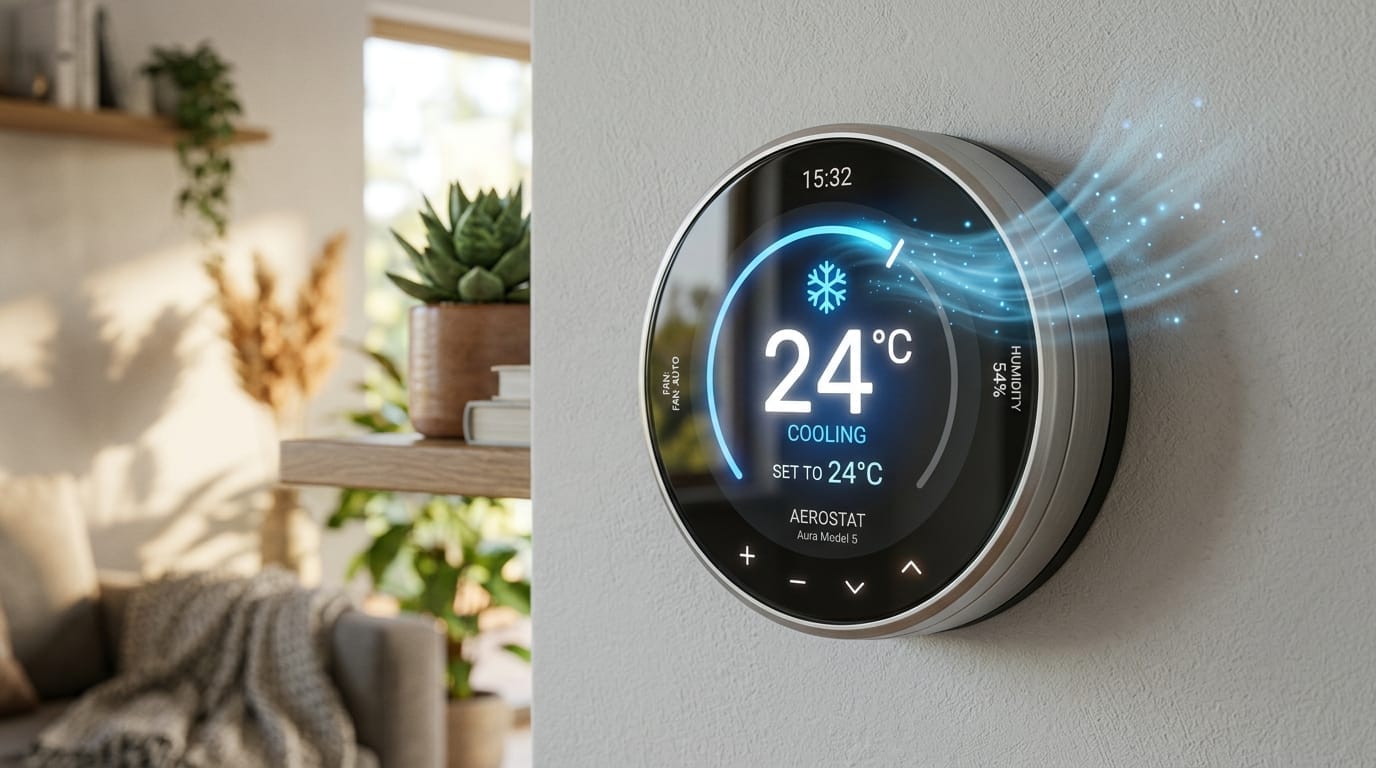
The short answer: yes, but mostly through scheduling, not learning. The "learning" features in most smart thermostats (Nest, Ecobee, Honeywell) save money by enabling schedules you wouldn't manually implement—not by being smarter than you.
In my client base, smart thermostat adopters save an average of $14/month versus manual thermostats. But that's an average of people who actually use the scheduling features. Clients who set them to a fixed temperature and ignore the programming save nothing. Calculate the ROI of a smart thermostat.
Features That Matter
Remote sensors: Thermostats in hallways measure temperature in an unoccupied, unrepresentative location. Remote sensors in living areas measure where you actually sit. Ecobee's sensors are the industry standard for this.
Geofencing: Automatically adjusts when you leave and return based on phone location. Saves the most money for irregular schedules.
Integration with utility rates: Some utilities offer time-of-use pricing where electricity costs 3x more during peak hours (2-7pm). Smart thermostats can pre-cool your home before peak hours, then coast through expensive periods at a slightly higher temperature. This saved one client $35/month in Arizona.
The Department of Energy estimates that proper use of a programmable thermostat can save 10-15% on annual heating and cooling bills. That's $150-200/year for typical homes.
Temperature Setting Questions
The sweater argument doesn't work, but math does. Every degree below 76°F costs you about 3% more on your cooling bill. That 8-degree difference between 68°F and his preference isn't just uncomfortable—it's roughly 24% more expensive. Point him to your utility bill. Men often respond better to numbers than comfort arguments. Or compromise at 72°F with a ceiling fan running—you'll both feel cooler.
Almost certainly humidity. That 78°F reading on your thermostat doesn't tell you about moisture in the air. At 75°F with 70% humidity, you feel sticky and uncomfortable even though the temperature is "correct." Your AC runs, cools the air, but if it isn't dehumidifying, you're still clammy. Set the fan to "Auto" not "On"—constantly running fans prevent proper dehumidification cycles. In humid climates like Houston or Atlanta, this one change makes a huge difference.
Yes, and it's not intuitive. When you get home to a hot house, your AC faces two problems: removing heat that soaked into your walls, furniture, and floors all day, AND dealing with peak afternoon temperatures. It runs flat-out at the worst possible time. Setting the thermostat to 82°F when you're gone, then 76°F when you return (not 68°F—that just makes it worse) lets the system recover gradually. Smart thermostats handle this automatically.
For them, maybe not. But here's the thing: building science has changed, insulation standards have improved, and our understanding of comfort has evolved. Their 72°F in a 1980s house with single-pane windows made sense. Your 72°F in a well-insulated newer home is overdoing it. The walls aren't leaking heat like they used to. Try 74°F for a week and see if anyone actually complains—you might be surprised.
Steady is cheaper. Your AC uses the most energy during startup. Each time it cycles off and has to restart, you're burning extra electricity. The bigger the temperature swing, the more startups. That said, a 2-3 degree drift during sleep or away hours doesn't cause dramatic energy waste. The waste comes from letting it hit 90°F indoors and then demanding your AC drop it to 72°F in 20 minutes.
Don't let it get above 78°F indoors, even if you're gone 8 hours. Dogs, especially short-nosed breeds like bulldogs and pugs, overheat easily. Cats are more tolerant but still shouldn't bake. Set it to 77-78°F when you're out, drop to 74°F an hour before you get home. If your pet is elderly or has health issues, bump it 2 degrees cooler. A smart thermostat with pet settings adjusts automatically based on time.