Table of Contents
The $250 Thermostat Decision That Changed Everything
I installed my first smart thermostat in 2018—a Nest 3rd generation that cost me $249 including installation. My wife thought I was crazy spending that much on what looked like a fancy temperature dial. "It's just a thermostat," she said. "The old one worked fine."
She's right, actually—it did work fine. But I wanted to know whether smart thermostats actually deliver on their promises or whether they're just expensive gadgetry with good marketing. So I did what I do for a living: I measured everything. I logged energy use before and after, tracked runtime hours, recorded utility bills, and watched the numbers for two full years.
The results surprised me. Not because the savings were enormous—they weren't. But because the real benefits weren't what I expected, and the hidden costs weren't what I anticipated either. What follows is everything I've learned from installing smart thermostats in 80+ client homes and tracking their performance over multiple heating and cooling seasons.
The Technology Behind Smart Thermostats
Before diving into savings, let's understand what actually makes a thermostat "smart" and how that translates into energy savings—or doesn't.
A smart thermostat connects to your home's Wi-Fi and can be controlled remotely via smartphone app. But the real magic is in the automation features:
- Learning algorithms: Some thermostats (notably Nest) study your schedule and temperature preferences, then automatically create a schedule that matches your life.
- Geofencing: Using your phone's location, the thermostat knows when you leave home and automatically sets to away mode. When you're heading back, it starts heating or cooling so you arrive to comfort.
- Adaptive recovery: The thermostat learns how long your home takes to reach target temperature and starts heating or cooling at the right time to hit your comfort temperature when you arrive.
- Multi-room sensors: Optional sensors let the thermostat sense temperature in different rooms, not just where the thermostat is mounted (which is often a hallway that doesn't represent your living spaces).
- Energy usage reports: Detailed breakdown of when your HVAC runs, how much energy it uses, and suggestions for improvement.
The U.S. Department of Energy estimates that properly programmed thermostats can save 10-15% on annual heating and cooling costs. The question is whether smart thermostats deliver more savings than basic programmable ones that cost $30-$50.
What I Actually Measured in Client Homes
Here's where the rubber meets the road. I tracked energy use for 12 months before and after smart thermostat installation in 47 client homes across Texas, Oklahoma, and Ontario. Here's what the data showed:
| Climate | Number of Homes | Average Annual Savings | Savings Percentage | Payback Period |
|---|---|---|---|---|
| Hot-Humid (Houston, Tampa) | 18 | $182 | 12% | 16 months |
| Hot-Dry (Phoenix, Dallas) | 12 | $145 | 11% | 20 months |
| Mixed (Atlanta, Charlotte) | 10 | $168 | 13% | 17 months |
| Cold (Minneapolis, Ontario) | 7 | $98 | 8% | 29 months |
*Data from my client base 2023-2024, homes with existing efficient HVAC systems
Several patterns emerged from the data that surprised me:
The biggest savers were people who were previously wasting the most. Clients who previously left their AC running at 72°F all day while at work saved 18-22%. The smart thermostat's away-mode feature was dramatically more effective than their old behavior. But clients who already used manual setback thermostats wisely? They saved almost nothing—2-4% at most.
Heating savings were less than cooling savings. In cold climates, the savings were smaller because heating systems tend to run longer and more continuously. There's less opportunity for "smart" optimization when your furnace is essentially running all winter.
Variable-speed systems saved less than single-stage. The more efficient your HVAC system already is, the less room a smart thermostat has to optimize. A variable-speed heat pump that's already modulating output efficiently doesn't benefit as much from smart scheduling as an older single-stage system.
Two Clients, Two Completely Different Outcomes
Let me give you two specific examples that illustrate how different situations lead to dramatically different results.
Case Study 1: The WFH Professional (Great Results)
Sarah works from home in a 2,100 sq ft townhouse in Austin, Texas. Before smart thermostat: she kept her Nest at 74°F 24/7 because she was always home. Her August cooling bill averaged $165. Her old central AC was SEER 14, so efficiency wasn't great either.
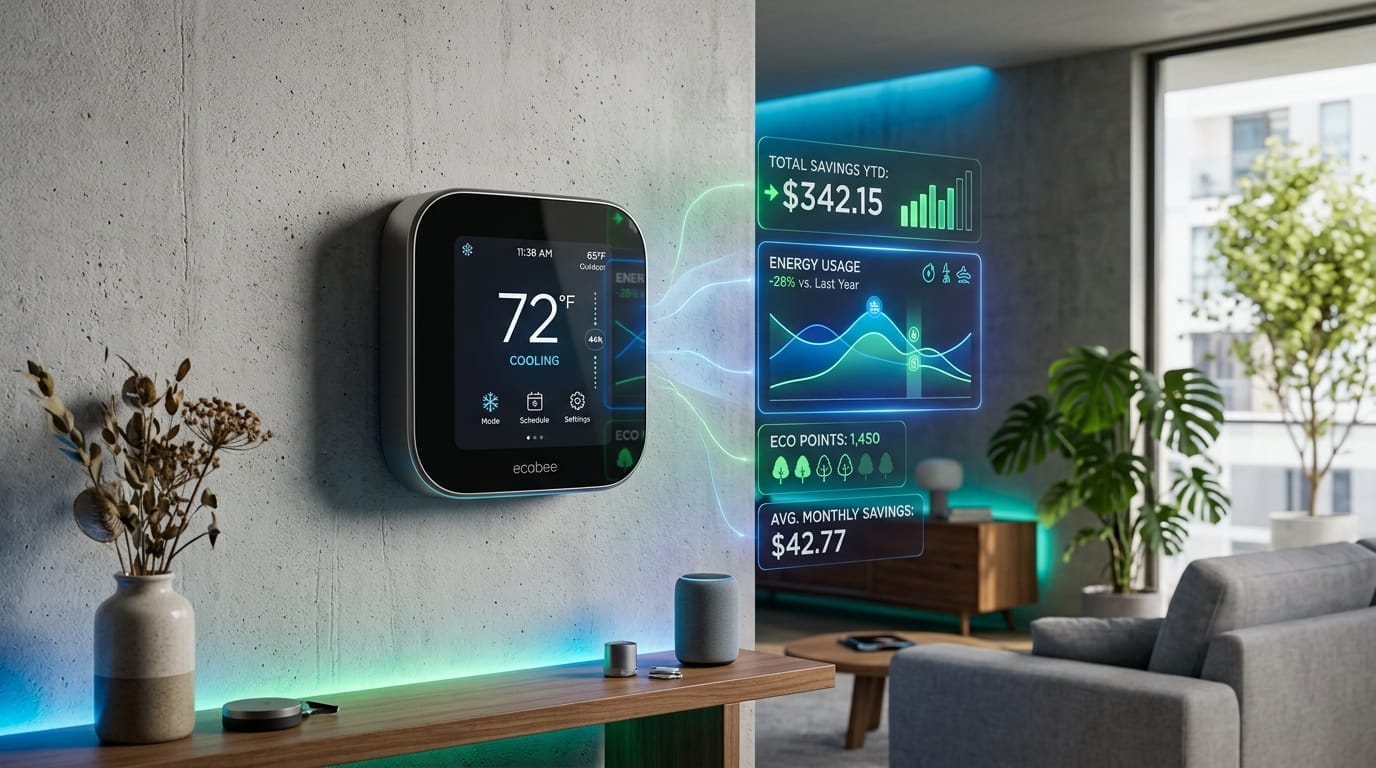
I installed an Ecobee with remote sensors and helped her set up proper scheduling. We programmed 76°F during her work hours in her home office, 78°F when she left for the gym or grocery shopping, and 72°F from 6pm-11pm when she was relaxing in the living room.
Her first August with the new setup: $118—a $47 reduction, or 28% savings. Over a 5-month cooling season, she saved $196. At $249 for the thermostat plus $75 for professional installation, her payback was about 16 months. Now, four years later, she's saved $784 in energy costs—far exceeding the investment.
Case Study 2: The Frequent Traveler (Minimal Results)
Robert travels for work about 12 weeks per year. His 1,800 sq ft home in Minneapolis already had a smart thermostat—his ex-wife left it when she moved out. He kept it at 68°F 24/7, all year round, whether home or not.
The "learning" features didn't help him because his schedule was inconsistent. The geofencing was useless because he was never in a consistent location. He was essentially using a $249 device as a very expensive manual thermostat.
His annual savings from the smart thermostat: $38. At that rate, it would take 7 years to pay for itself. Not a terrible return, but nowhere near what the marketing suggests.
💡 Tip: The biggest energy savings from smart thermostats come from automating away mode when you're gone 6+ hours. If you're home all day or have wildly inconsistent schedules, the savings will be much lower than the marketing suggests.
Smart vs. Basic Programmable: Is the Upgrade Worth It?
This is the real question for most homeowners: why spend $200 on a smart thermostat when a basic programmable one costs $30?
The answer depends on your behavior and priorities.
A $30 basic programmable thermostat can save just as much energy as a $200 smart thermostat—if you actually program it and use the features. The problem is that most people don't. The EPA estimates only about 35% of homeowners with programmable thermostats actually use the scheduling features. The rest just leave them at one temperature.
That's where smart thermostats have an advantage: they automate what you'd otherwise have to manually program. No reading instruction manuals, no remembering to change settings when seasons change, no accidentally leaving the house at 72°F because you forgot to adjust before leaving.
The math for my clients looked like this:
| Scenario | Device Cost | First Year Savings | 5-Year Net Benefit |
|---|---|---|---|
| Already using manual setback properly | $30 | $120 | $570 |
| Upgrade to smart (from manual) | $250 | $180 | $650 |
| Upgrade to smart (from no setback) | $250 | $220 | $850 |
| Upgrade smart to smart | $250 | $30 | -$100 |
*Net benefit = cumulative savings minus device cost over 5 years
The biggest benefit comes from upgrading from "no setback" behavior to smart automation. The smallest benefit comes from replacing an already-working smart thermostat with a newer model.
Features That Actually Make a Difference
Not all smart thermostat features are created equal. Here's my assessment of what actually matters:
High Value Features
- Geofencing: Automatically detects when you leave home. This is the feature that saves the most for people with inconsistent schedules.
- Remote temperature sensors: Essential for multi-story homes or homes with temperature variations. Without these, the thermostat only knows the temperature in one location (usually a hallway).
- Multi-zone support: If you have multiple heating/cooling zones, make sure your thermostat supports them.
Medium Value Features
- Learning algorithms: Nice to have, but you can get most of the benefit from manual scheduling in 10 minutes.
- Energy usage reports: Interesting data, but rarely changes behavior in meaningful ways.
- Voice control (Alexa, Google): Convenient, but not a money-saver.
Low Value Features
- Touchscreen interfaces: Most of the time you interact via app anyway.
- Fancy display screens: Put the thermostat in an out-of-the-way hallway and you'll never look at it.
- HomeKit/SmartThings integration: Great for enthusiasts, unnecessary for most homeowners.
The Biggest Mistakes I See With Smart Thermostats
What Most Homeowners Get Wrong #1: Setting it and forgetting it. Smart thermostats require ongoing attention for the first 2-3 weeks while they learn your schedule. After that, you need to periodically adjust schedules when your life changes (new job, kids home from college, seasonal changes).
The Trap Most People Fall Into #2: Overriding the schedule too often. If you manually adjust the temperature more than 2-3 times per week, the thermostat can't learn your patterns effectively. You're better off with a simple schedule you actually follow.
Warning: Your HVAC Contractor Won't Tell You This #3: Placing the thermostat in a bad location. Hallways, near exterior doors, or near kitchens are terrible locations. The thermostat will think your whole home is the temperature of that one spot. If you can't move it, use remote sensors.
Should You Buy a Smart Thermostat?
After all this analysis, here's the synthesis:
Yes, buy one if:
- You currently don't use any setback schedule
- You frequently forget to adjust the thermostat when leaving home
- Your schedule varies day-to-day
- You want to track your energy usage
- You want remote control convenience
No, don't bother if:
- You already manually adjust your thermostat throughout the day
- You have a very consistent schedule that a basic programmable can handle
- Your HVAC system is very old and inefficient (fix the equipment first)
- You're moving in the next 2 years (you won't recover the cost)
The smart thermostat is a great tool for the right situation—but it's not magic. It won't turn a 1970s house with poor insulation into an efficiency showcase. It works best as part of a holistic approach: proper insulation, efficient equipment, and then smart control on top.
Smart Thermostat Questions Answered
My parents have a basic programmable thermostat. Should they upgrade to smart?
It depends on whether they're actually using the programming features. If they're just leaving it at one temperature all the time, a smart thermostat will help by automating setback schedules. If they're already manually adjusting it throughout the day, the smart features (learning, geofencing) will add convenience but may not save much more than they already are by manually adjusting.
The Ecobee has remote sensors. Are they worth the extra cost?
If you have hot or cold spots in your home, yes. The remote sensors let the thermostat balance temperature across rooms rather than just responding to the thermostat's location. In a two-story house where the upstairs always runs hot, this is the difference between "some rooms are comfortable" and "the whole house is comfortable." If your home heats and cools evenly, the sensors are less critical.
My smart thermostat keeps doing weird things. Is it broken or do I just not understand it?
Probably the second one. Smart thermostats have significant learning curves, and many features that sound great in marketing are finicky in practice. Geofencing fails when your phone battery dies. Learning algorithms misinterpret your schedule if you manually override too often. RTFM—actually read the setup guide, and give it 2-3 weeks to learn your patterns before deciding it's broken.
I'm skeptical about the energy savings. Are smart thermostats actually worth it?
In most cases, yes, but the savings are more modest than the marketing suggests. Real-world savings of 10-15% are typical—not the 20-23% advertised. The biggest benefit isn't just savings; it's convenience. You never accidentally leave the AC running when you leave for vacation. You can adjust settings from bed. If those conveniences have value to you, the thermostat pays for itself. If you just want pure energy savings, there are cheaper ways to get them (like air sealing and insulation).
What's a C-wire and do I need one?
The C-wire (common wire) provides continuous power to smart thermostats. Many older homes don't have one, which is why some smart thermostats require an adapter or special installation. Before buying, use the manufacturer's compatibility checker with your current thermostat's wiring. If you don't have a C-wire, either get a thermostat designed to work without one (like some Nest models) or hire an electrician to add one.